Enigma Daze
enigma daze
Updated
7 days ago
, by boAt Knowledge Base
Enigma Daze
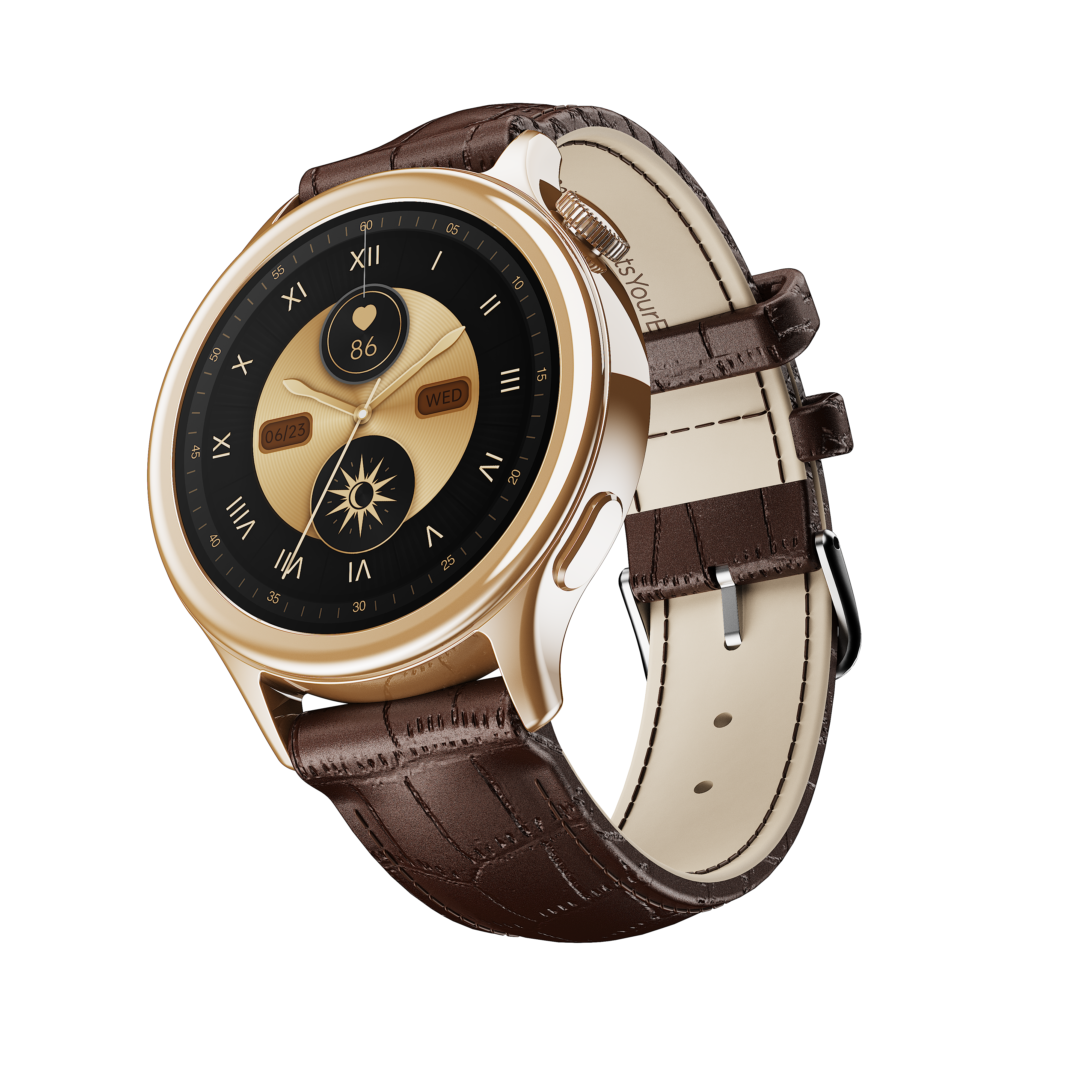
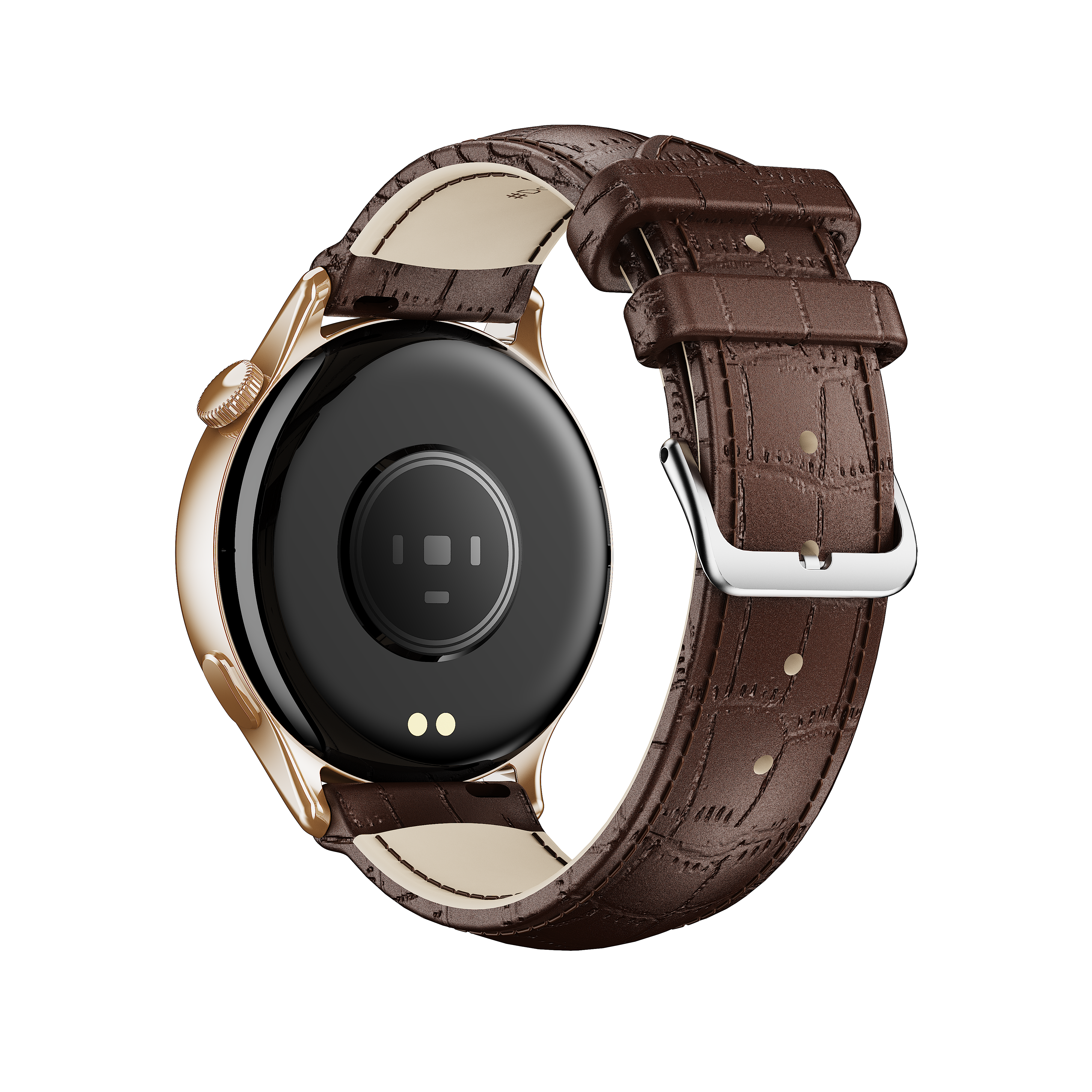
Enigma Daze is a sleek smartwatch with a 1.3” HD Display and Bluetooth 5.4 for seamless connectivity with Android 7.0+/iOS 14.0+ devices. It is rated IP67 for water resistance and provides up to 3 days of working time from its 200 mAh battery. The watch supports essential wellness features like Heart Rate and SpO2 monitoring, multiple sports modes, and can manage music and camera controls.
Specifications
Model | Enigma Daze |
Screen Type | 1.3” (3.30 cm) HD Display |
Battery Capacity | 200 mAh |
Net Weight | 20 gm |
Bluetooth Version | Bluetooth 5.4 |
Charging Time | Up to 2 hours |
Working Time | Up to 3 days* (Battery life may vary depending on usage) |
Water Resistance | IP67 |
Android and iOS Version | Android 7.0 & above & iOS 14.0 and above |
Troubleshooting FAQs
General FAQs
Long-press the side button for 3-5 seconds to turn the watch on.
Long-press the side button for 3-5 seconds to turn the watch off.
Short Press the side button to enter the main menu.
Swipe left or right on the home page would lead to shortcut menu
There are five functions in the shortcut menu- (i) Steps (ii) SpO2 (iii) Heart Rate Monitor (iv) Sleep (v) Music (vi) Notifications
To reset your smartwatch, go to Settings > System > Factory Reset.
Alternatively, on the home screen – Swipe down > Settings icon > System > Factory Reset.
Method 1: Using the Power Button
Rotate the upper side button to scroll through the default watch faces.
Stop on the one you want to apply to—it will be set automatically.
Method 2: Long Press on the Home Screen
Long-press the home screen for a few seconds.
Swipe to browse available watch faces.
Tap the one you want to set as default.
Swipe left or right on the home page would lead to the shortcut menu, where Notifications is one of the functions.
While the user is inside the menu, tapping the several icons would lead to entering the different modes on Enigma Daze. There are the following mode options on the menu of Enigma Daze:
Steps: For tracking daily activities like step count, distance travelled, etc.
Heart Rate: For measuring the heart rate of the users.
Blood Oxygen: For Measuring the saturation level of oxygen (SpO2) in the user’s blood.
Sleep Mode: For measuring the sleep hours of the users.
Breathing Mode: For breathing exercise of the users.
Alarm: To set up alarm for the users.
Music Control Mode: To control the music from the watch when the users are listening to music.
Camera Control Mode: To control the camera from the watch and click photos.
Timer: To set up a timer for the users when in need.
Settings: To enter the settings of the watch.
There are multiple activities available, including walking, treadmill, running, badminton, football, basketball, tennis, yoga, etc. You can access any of these.
Select any one of the exercises before starting that exercise.
You can also add more sports activities or hide the activities.
Swipe right and then click on pause to start/pause that exercise
On the app home dashboard, tap on the "Heart rate” icon and you can view all your historical heart rate readings.
You can view your min. and max. HR for the day.
You can also access history by tapping on the history icon and can also filter the details on a daily, weekly, or monthly basis.
On the watch, go to Heart Rate mode (from the menu) to view your current reading.
Open the ‘boAt Crest’ app.
You will find “More” on the lower right-hand side on the home page of the app.
Click on it and go to Settings.
Inside Settings, you will find the Sleep Goal.
You can measure it on the watch. A user can view the details on the app
Swipe left from the watch home screen >> Go to SPO2>> Tap measure.
Post your measurement, Please sync the SPO2 values to your boAt Crest app
The user can view the details on the app.
Open the ‘boAt Crest’ app and you will find “More” on the lower right-hand side on the home page of the app.
Click on it and go to Settings
Inside Setting, you will find the Sleep Goal. You can set your Sleep Goal under this option. Please note:- Your sleep goal is indicative of your sleep target, and the watch automatically records the sleep.
Method 1: Using the Power Button
Rotate the upper side button to scroll through the default watch faces.
Stop on the one you want to apply to—it will be set automatically.
Method 2: Long Press on the Home Screen
Long-press the home screen for a few seconds.
Swipe to browse available watch faces.
Tap the one you want to set as default.
Inside the menu, click on the ‘Music Control’ icon on the watch to enter the music control feature.
While listening to music, users can play, pause, move back to the previous track, jump forward to the next track and control the volume of the music.
Note: This feature might not work for some of the music apps with different control protocols.
Inside the menu, click on the ‘Camera Control’ icon on the watch to access the remote camera.
Click again on the camera icon to open the camera app on the media device.
You can control the brightness level of the watch by swiping down from the watch home screen & changing the brightness level.
You can add only 1 emergency contact through the boAt Crest app.
Follow these steps to activate the SOS feature:
Open the boAt Crest app on your device.
Navigate to the "Home Dashboard."
Locate the "Top Features" section on the dashboard.
In the "Top Features," you will find the "SOS" feature. Click on it to access the SOS functionality.
To initiate an SOS call, perform a long press on the lower side button of your smartwatch.
This feature will allow users to monitor and rate the quality of breathing.
It is a feature available on the watch where users can use it to do breathing exercises (Inhale/Exhale pattern) for selected duration and rhythm.
Yes, Enigma Daze does have a camera feature.
There are multiple activity modes on the watch.
Yes, users can set individual goals for every sports mode.
Yes, step counting, heart rate monitoring, calorie counting and sports modes can be recorded directly on your watch while your phone is not connected.
The watch has some internal memory to record this data.
Once you are in contact with your phone, you can sync the data to the app.
The green lights are used to monitor your heart rate. There is an optical sensor that detects the passage of the blood and then estimates the heart rate based on that information.
Red light is the blood oxygen sensor.
Yes, it can be changed.
Yes, users can replace the strap.
The water resistance level of the Enigma Daze smartwatch is IP67.
