Stone Arc Pro Plus
stone arc pro plus
Updated
18 hours ago
, by boAt Knowledge Base
Stone Arc Pro Plus
Unleash your sound like never before with the boAt Stone Arc Pro Plus – the wireless speaker that takes your music experience to the next dimension. Packed with 45W boAt Signature Sound, enhanced by boAt Spatial Audio and massive 78mm drivers, every beat hits with power and precision.
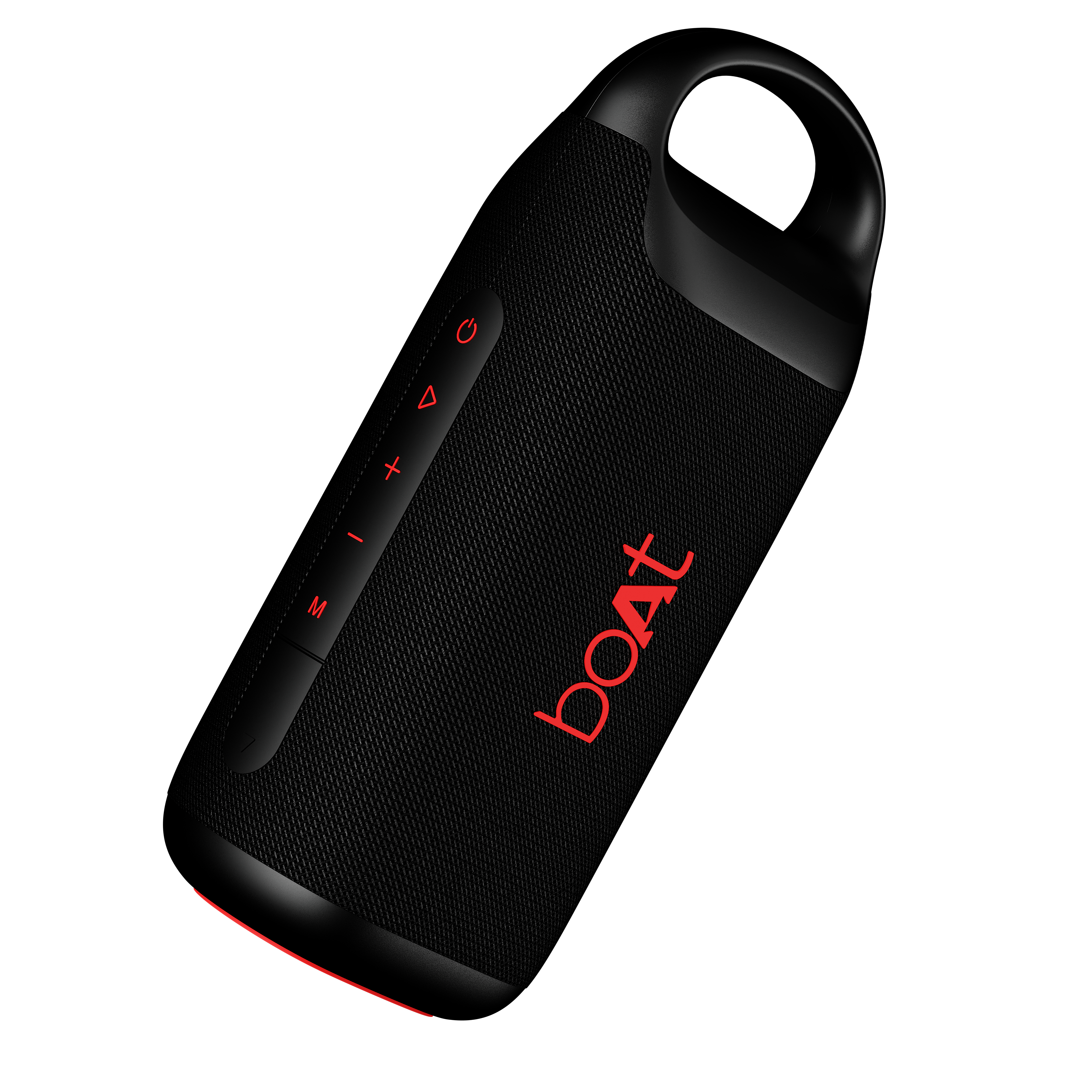
Specifications
Model | boAt Stone Arc Pro Plus |
Compatibility | BT/AUX |
Drivers | 78 mm*2 |
Playtime | Up to 12 hours (@60% volume) |
Input Voltage | 5V/2A |
Audio Output Power | 45W |
Frequency Response | 20Hz-20kHz |
Signal-to-Noise Ratio | 60 dB |
Charging Time | 4.3 hours |
Impedance | 4 ohms |
BT Transmission Range | 10 m |
Bluetooth Version | 5.3 |
Battery | 4400 mAh |
Water Resistance | IPX5 |
Troubleshooting FAQs
Long press the Power button for 3 seconds to turn the speaker on and off.
Double press the M button to disconnect the current connected device.
Use a pointed object to prick the button inside the reset port to set the speaker to default settings.
The Bluetooth connection history of the speaker will be cleared and go back to the default settings.
Short press the M button to change the connectivity mode (BT/AUX).
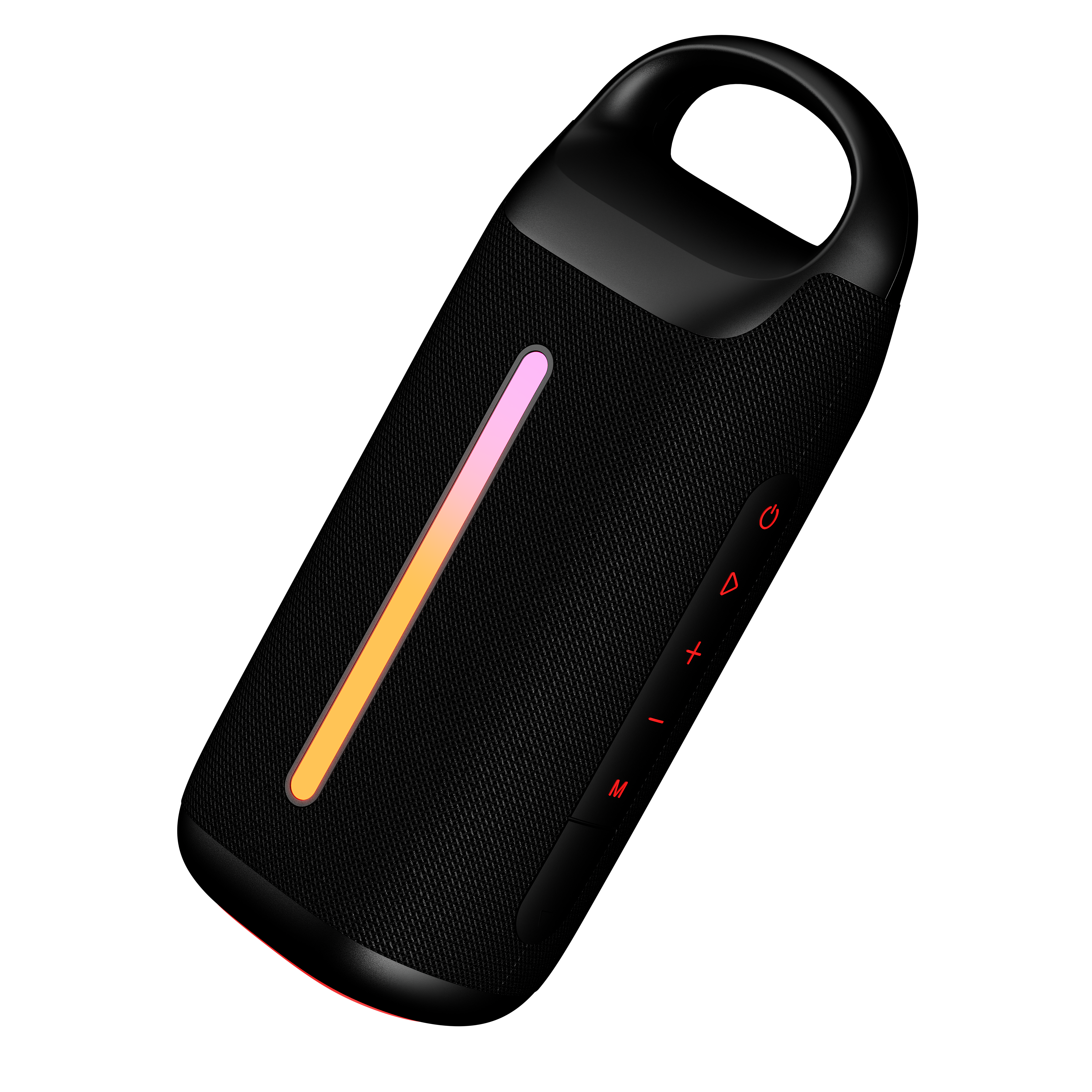
The RGB light is on when the speaker is powered on.
Short press the Power button to turn on the light effect, switch between the 6 different light modes, and to turn off the light effect.
Next Track: Long press the ‘+’ button for 3 seconds to skip to the next track.
Previous Track: Long press the ‘-’ button for 3 seconds to return to the previous track.
Volume Up: Short press the ‘+’ button in steps to increase the volume.
Volume Down: Short press the ‘-’ button in steps to reduce the volume to your desired level.
Short press the Play/Pause "▶" button to play or pause a track.
Answer Call: Short press the Play/Pause "▶" button to accept an incoming call.
End Call: Short press the Play/Pause "▶" button or use the mobile phone to end aongoing call.
Reject Call: Long press the Play/Pause "▶" button for 3 seconds to reject an incoming call.
Redial: Short press the Play/Pause "▶" button 3 times to redial the last contacted number.
Connect the speaker to your mobile via Bluetooth.
Double press the Power button to activate the default voice assistant (Google voice assistant/Siri) and give your commands.
Power on the two Stone Arc speakers you require, all in Bluetooth mode.
You only need to set one of the two units.
Press and hold the Play/Pause button on one speaker for about 2 seconds until you hear a beep to activate TWS mode.
Release the ‘Play/Pause’ button and wait for a few seconds for the two speakers to connect.
Enable Bluetooth on your mobile phone and search for “Stone Arc” to pair.
Select “Stone Arc” to play music through the two paired speakers.
When the battery is low, the speaker will make a beep sound once every 5 minutes. After 3 such indications, the speaker will automatically switch OFF.
Insert the charging cable provided to charge the speaker.
When the speaker is in charging mode, the LED remains solid red. The LED indicator turns off once the speaker is fully charged.
Note:
Please avoid using the speaker while it is charging, as this may decrease the battery’s performance.
If the battery is completely discharged, the speaker may restart. Leave it in off state and charge it for at least an hour before using it.
Yes, the speaker is not powered through the AUX cable.
Please make sure that it is charged and powered on before using it through AUX connection.
Yes, you can charge it with a Type-C cable.
To ensure maximum efficiency and battery life, ensure that the speaker is not always used at 100% volume.
Ensure that the battery is charged when it falls to 20% and below.
When the speaker is in charging mode, the LED remains solid red.
The LED indicator turns off once the speaker is fully charged.
The connection status LED indicator is used for BT pairing connection.
Yes, this version of our Stone Arc does support the calling feature.
Incoming calls can be accepted and rejected via this speaker, and it can act like a speaker phone.
Yes, it does.
It supports wireless Bluetooth v5.4 and also supports 3.5 mm AUX-in port playback in case you don’t want to stream wirelessly.
It can support up to 12 hours of playback at 60% volume.
Note: Increasing the volume to more than 60% will reduce the playback time.
The speaker has an AUX port which supports 3.5 mm jack.
Other than that, it supports Bluetooth v5.4 connectivity.
It does not support FM radio.
Yes, the speakerphone will work, and, in this case, the primary speaker will be the speakerphone.
Yes, it can be.
However, it is advised to only do so using an AUX connection as Bluetooth mode might have latency issues.
Only 2 speakers of the same model can be connected in True Wireless Mode.
The speaker does have IPX5 water protection.
But it only protects under accidental exposure or submersion in water and is not meant for prolonged usage inside water.
Tab Content
Tab Content
Tab Content
