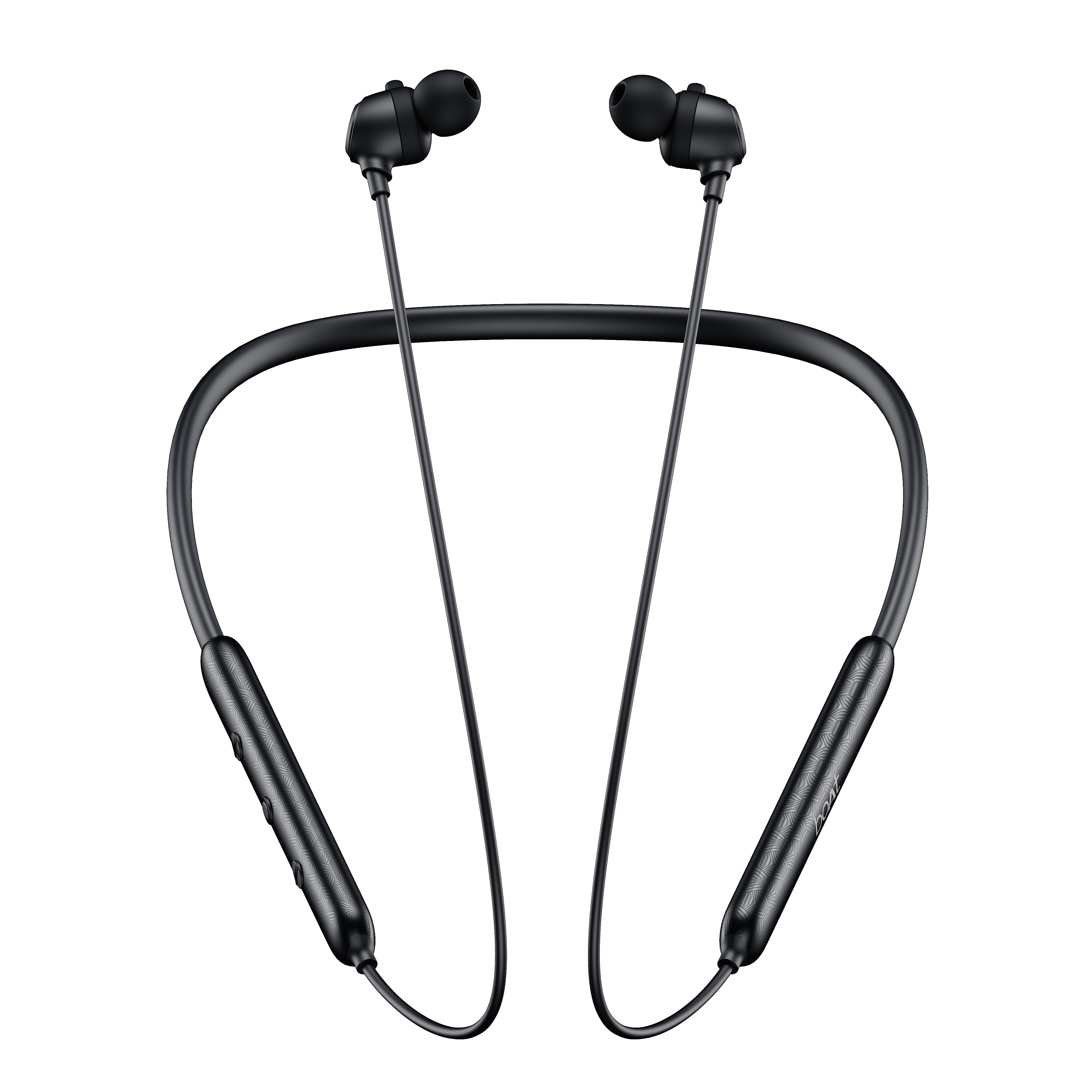
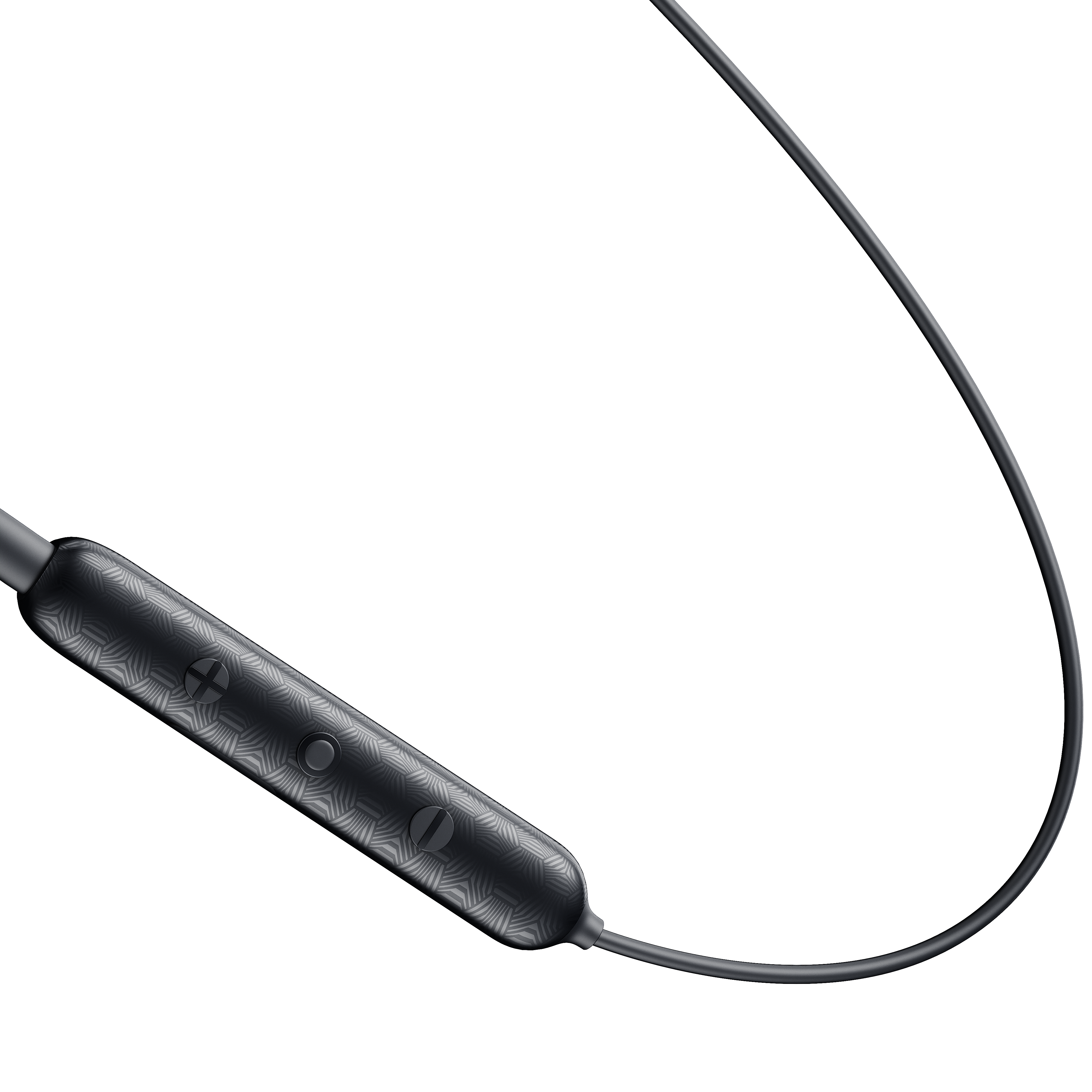
Check if the connected device has any equalizer settings applied and set them to normal/default
Go to the sound settings of your phone and set the equalizer to normal/ default/ none/ 0. EQ settings navigation for top 9 popular mobile brands are as follows:
Vivo - https://www.vivoglobal.ph/questionlist/hi-fi-audio/Go to i Music > press the icon at the left upper corner>select Audio effect>turn on Deep space sound effects>touch Equalizer in the bottom., then you can adjust Equalizer as you like.
Note: Equalizer is supported in Funtouch OS 4.0 and higher version and can be adjusted only with the neckband plugged in.
Xiaomi - https://www.mi.com/global/support/faq/details/KA-497702/
Settings > Sound & vibration > Sound effects > Graphic equalizer, You can now choose preset styles or manually adjust the equalizer to your preference.
Samsung - https://www.samsung.com/levant/support/tv-audio-video/how-to-set-eq/
Settings > Sounds and vibration > Sound quality and effects > Equalizer, You can now either choose from pre-set EQ options (like "Music", "Bass", etc.) or manually adjust the frequency bands to fine-tune the sound.
Realme - https://c.realme.com/in/post-details/1397554219417985024
There 3 variations for EQ settings navigation according to the different UIs as mentioned below:
A] Realme UI 6.0: Settings > System & updates > Sound > Equalizer.
B] Realme UI 5.0, 4.0, 3.0: Settings > System/Additional settings > Sound > Equalizer.
C] Realme UI 2.0: Settings > Convenience tools > Sound > Equalizer.
Oppo - https://www.youtube.com/watch?v=-gpyYtrw-58
Open the main Settings app on your phone > Go to Sound & vibration or a similar menu > Look for an Equalizer or Sound Effects option > The exact path can vary depending on the phone model and Android version > Enable it and choose from presets or manually adjust the sliders for different frequency bands.
Apple - https://support.apple.com/en-in/guide/iphone/iph5643d2c85/ios
Settings > Music > EQ
Motorola - https://en-in.support.motorola.com/app/answers/detail/a_id/155724/~/enhance-sound
Go to Settings > Sound (& vibration) > Audio effects. (Or, open the Moto app and touch menu > Play > Audio effects) > Turn it On > to use only for neckbands or connected devices, set the speaker equalizer to Flat.
Poco - https://www.mi.com/global/support/faq/details/KA-509973/#:~:text=1.,or%20adjust%20the%20equalizer%20manually.
Settings > Sound & Vibration/ Sound > Sound Effects / Equalizer > Graphic Equalizer
OnePlus - https://community.oneplus.com/thread/1111615
Settings > Sound & Vibration > Sound Quality & Effects > Audio Tuner or Audio Tuner > Equalizer Settings.