Airdopes Joy v2
Airdopes Joy v2
Updated
18 days ago
, by boAt Knowledge Base
Airdopes Joy V2
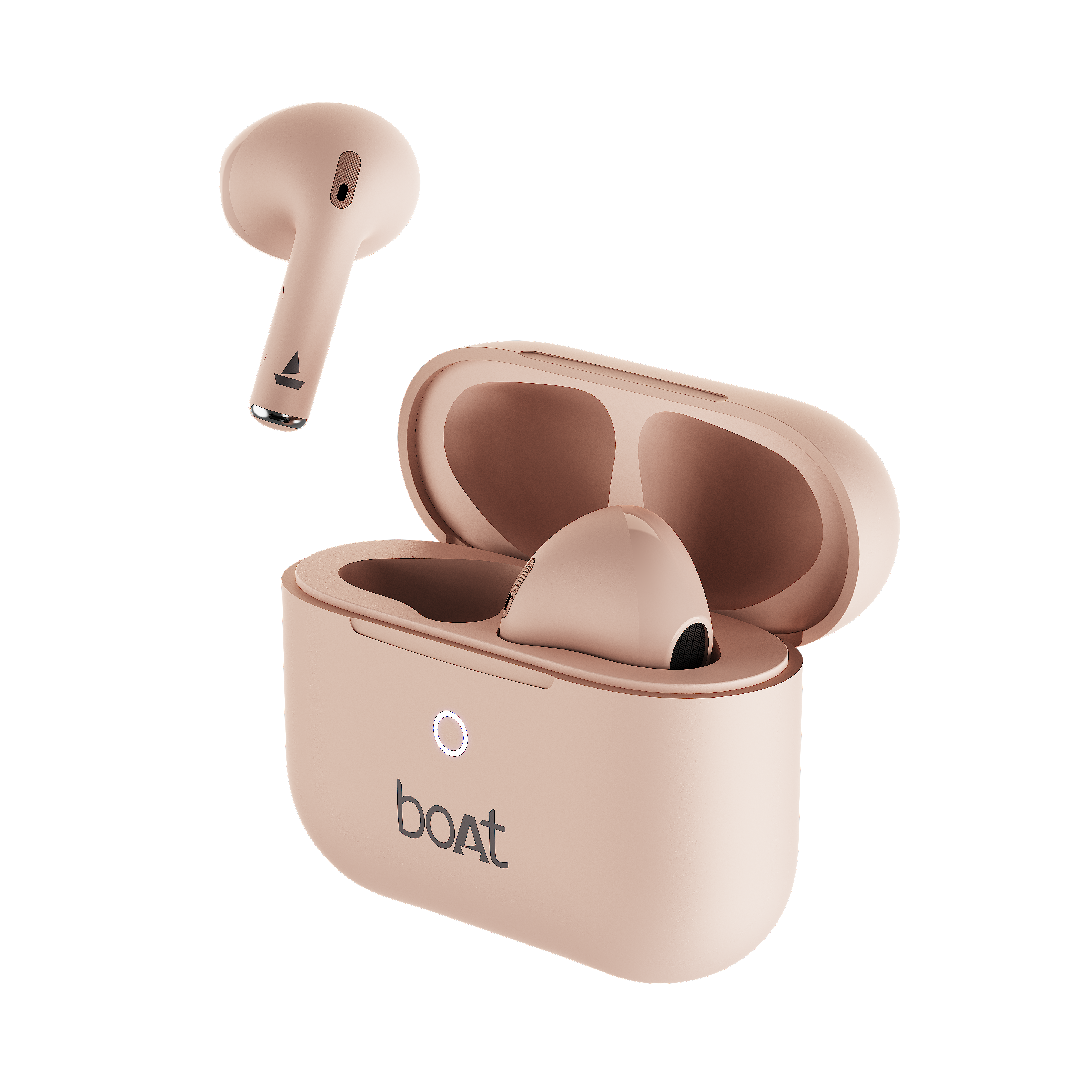
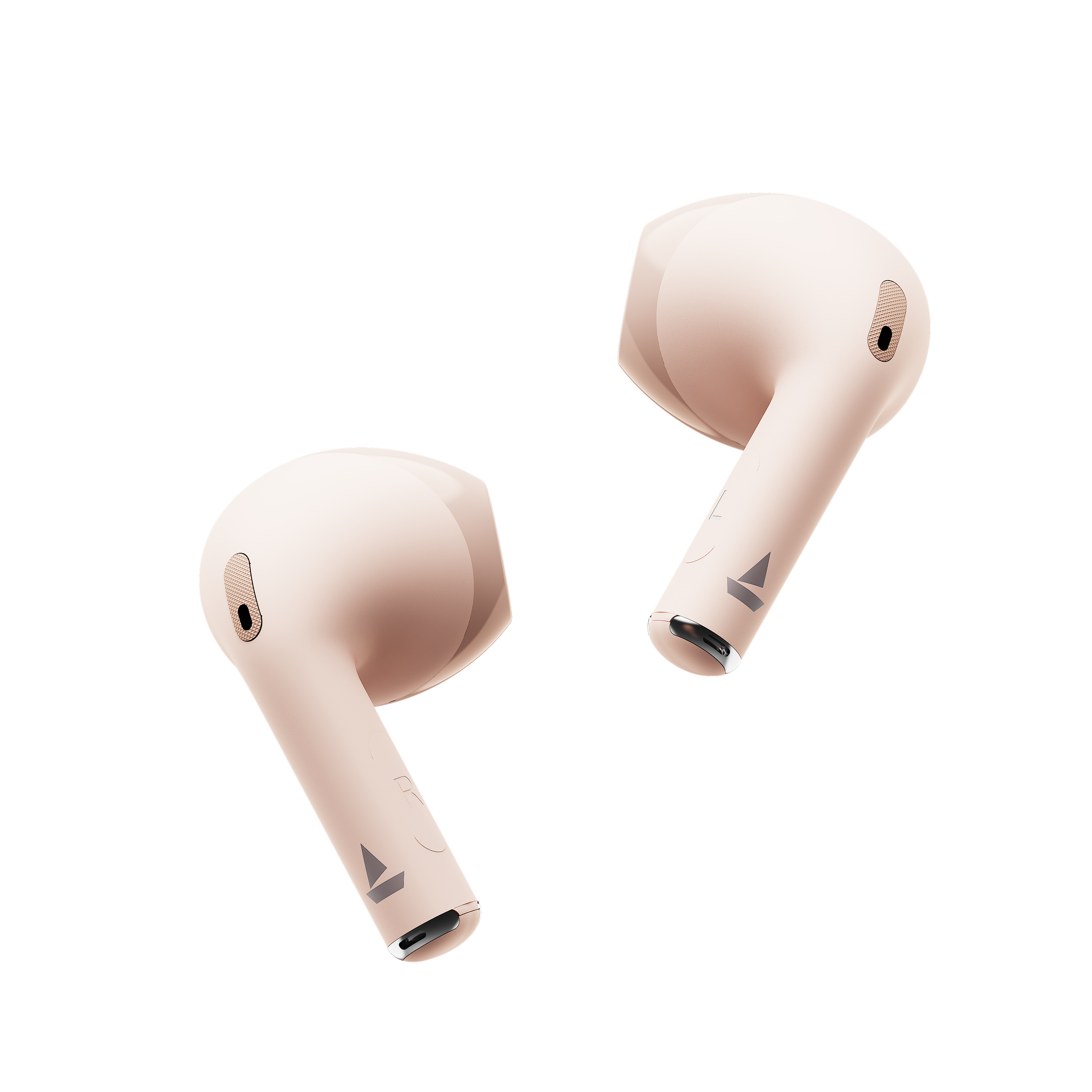
Experience pure audio bliss and lag-free gaming with the stylish boAt Airdopes Joy V2! Packed with signature sound and ultra-low latency, it’s built to elevate your daily music and gaming setup.
Specifications
Type of Product | TWS Earbuds |
Bluetooth Version | V5.3 |
Water Resistance | IPX5 |
Music Playtime | Up to 8.5H per charge; Up to 26H additional with case |
Stand by Time | 50 hours |
Transmission Range | 10m |
Driver Size | 13mm*2 |
Frequency | 20Hz-20kHz |
Battery Earbuds | 35mAh*2 |
Battery Charging Case | 320mAh |
Charging Time | 40min Earbuds; 2H Case |
Charging Interface | USB Type C |
Environmental Noise Cancellation (ENx) | Yes |
Low Latency | 50ms |
User Manual
AD_Joy_V2_UM.pdf
0.9 MB
Troubleshooting FAQs
General FAQs
POWER ON:
Smart Power On : To automatically switch the earbuds on (Smart Power On) simply open the lid of the charging case when earbuds are being kept inside.
Manual Power On: To manually switch the earbuds on (Manual Power On), long touch the Capacitive Touch Control (*CTC) for 3 seconds on both Right and Left earbuds.
Power OFF:
Smart Power Off :
After usage, remove both the earbuds from your ears.
Place the earbuds back into the charging case in correct orientation and close the case lid.
The earbuds will automatically switch off (and enter charging mode).
Manual Power Off: Long touch the CTC(Capacitive Touch Control) on both earbuds for 8 seconds till the earbuds get turned off, in order to manually switch off the earbuds.
To perform a reset on your Airdopes:
Note: Before performing reset, clear "Airdopes Joy V2" from your device's pairing history
Take out the earbuds from the case and long touch both the CTC (Capacitive Touch Controls) for 5 seconds
Place the earbuds inside the case
Close the cover lid and reopen it again after 5 seconds to perform fresh connection.
Congratulations! Your Airdopes Joy V2 has been reset.
To charge the earbuds, put the earbuds into the charging case in their correct orientation.
During charging, LED stays solid red.
Once the charging is complete, charging case automatically switches off to save power and LED indicator turns off.
This text will be hidden
Before using the earbuds for the first time, please fully charge the earbuds with the charging case lid being closed.
Charging through wall adapter – Specs of the adapter: 5V, 2A
Charging through cable/wire – Standard cable: 35 strands @0.10mm diameter/strand
Any other accessories could be used for charging the earphones as long as the above norms are followed.
Single tap on the CTC (Capacitive Touch Control) of either of the earbuds, would result in answering an incoming call.
Double tap the CTC (Capacitive Touch Control) of either of the earbuds would result in ending or rejecting incoming calls.
While playing music, single tapping on the left/right CTC (Capacitive Touch Control) results in pause and another tap will result in play.
While playing music, double tap on the left earbud’s CTC (Capacitive Touch Control) would result in returning to the previous track.
While playing music, double tap on the right earbud’s CTC (Capacitive Touch Control) would result in jumping to the next track.
Volume can only be adjusted via phone/media devices.
Please note that both the earbuds can be used in mono mode. Use either of the two options: Smart Power On or Manual Power On for switching on the desired earbud.
The selected earbud will automatically enter the connection mode indicated by red and blue LED flashes.
Turn on Bluetooth on your phone/media device and search for “Airdopes Joy V2”.
Switch the earbuds on; both the earbuds automatically enter Connection Mode.
This is indicated with a tone prompt.
Turn on the Bluetooth functionality on your phone/media device and scan.
Search for ‘Airdopes Joy V2’ and tap on the same for pairing & connecting via Bluetooth.
To switch to Stereo mode from Mono, simply take out the other earbud from the case. It will automatically power on and pair with the previously selected earbud, hence enabling Stereo usage.
You can only skip to the "next track" using the right earbud in Mono/Stereo mode.
You can only switch to the "previous track" using the left earbud in Mono/Stereo mode.
Triple tap the left CTC (Capacitive Touch Control) to activate the voice assistants such as Google Assistant or Siri.
Triple tap the right CTC (Capacitive Touch Control) to activate or deactivate BEAST™ mode for gaming.
Scenario | Indication |
Less than 20% battery | WHITE LED blinks (8 times) when the Case lid is opened/closed |
More than 20% battery | WHITE LED is solid on for 8 seconds when the Case lid is opened/closed |
Case in charging mode | WHITE LED continuously blinks |
Case fully charged | WHITE LED is solid on |
Scenario | Charging State |
Earbuds – Low battery in it | RED blink (3 times) when the Case lid is opened |
Power ON | BLUE light is ON for 1 second on opening the Lid |
Pairing mode | First, the connection happens between Master and Slave, and indicates with BLUE, then enters the pairing mode with the following LED indications: • Master Earbud blinks RED & BLUE during pairing mode • Slave Earbud blinks BLUE for every 5 sec Note: If Master and Slave Earbuds are not connected, it will act as an independent Earbud, and on both the Earbuds, RED & Blue blinks |
Pairing successfully (1 time indication) | Solid BLUE |
If pairing not successful (In pairing mode) | The same as Pairing mode, if 5 minutes later still cannot be pairing successful, then the Earbuds will show solid RED once and auto power off |
Earbuds in the charging box | • In charging status, the RED light is ON • Full charging, the lights are OFF |
Connected | Blue light flashes 300ms - ON and 300ms - OFF, so 3 times each minute = the 20s per times |
Disconnected | The same as Pairing mode |
Fully charged | RED light is OFF |
Play the music | All lights are OFF (But "Connected" status will remain) |
Factory Reset | Red LED Blinks Quickly 5 times to indicate the Successful Reset |
Our IWP™ technology allows the earbuds to connect to your phone if they have already been paired before instantaneously upon opening the case.
Simply open the case and ensure that the Bluetooth is turned on for your media device, the buds will connect as soon as the case is opened without the need to take them out of the case first!
There is no special process to enable IWP™- simply follow the steps to first pair your Airdopes Joy V2 to your media device. Then upon subsequent usage, the IWP™ tech will be enabled and the earbuds will pair automatically to your previously paired media device if Bluetooth is turned on in your media device.
Yes
Yes
The Airdopes Joy V2 does support low latency for entertainment and casual gaming. But if you’re looking for professional gaming equipment, then Airdopes Joy V2 is not the right product.
No
No
No, the earbuds do not have any integrated volume controls on them. The volume has to be controlled using your connected Bluetooth device.
Ensure that in the Bluetooth settings of your media device, you have enabled syncing of Bluetooth and phone volume levels otherwise you may not be able to fully control the volume of the earbuds as intended.
Yes
No, the voice prompts are integrated inside the earbuds and there is no provision to turn them off or lower their volume.
While your earbuds do have IPX5 water and sweat resistance, it is recommended that they are not submerged inside water directly or used for prolonged periods inside water like for swimming/showers, as it may lead to damage.
