Airdopes Beat
ad app template
Updated
16 days ago
, by boAt Knowledge Base
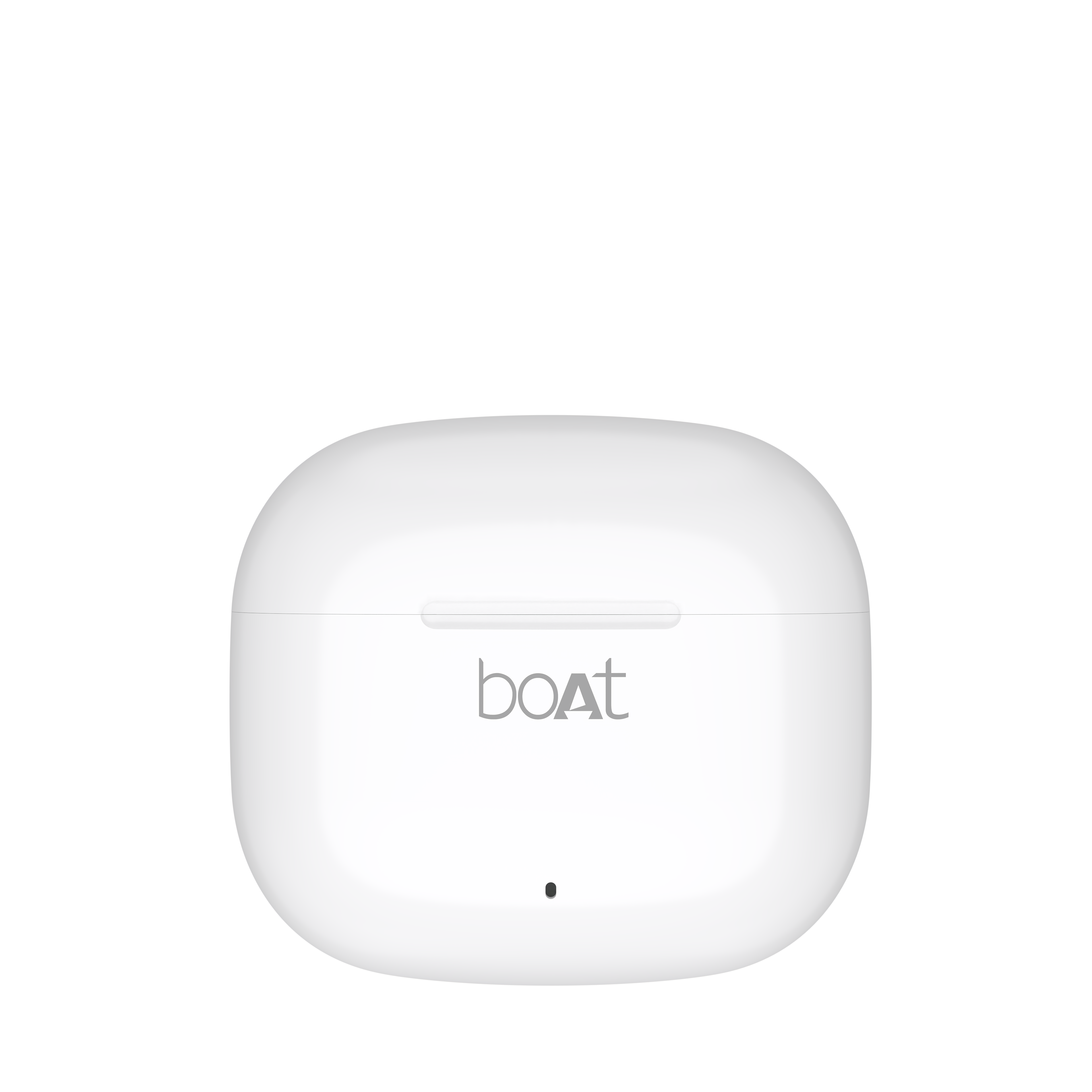
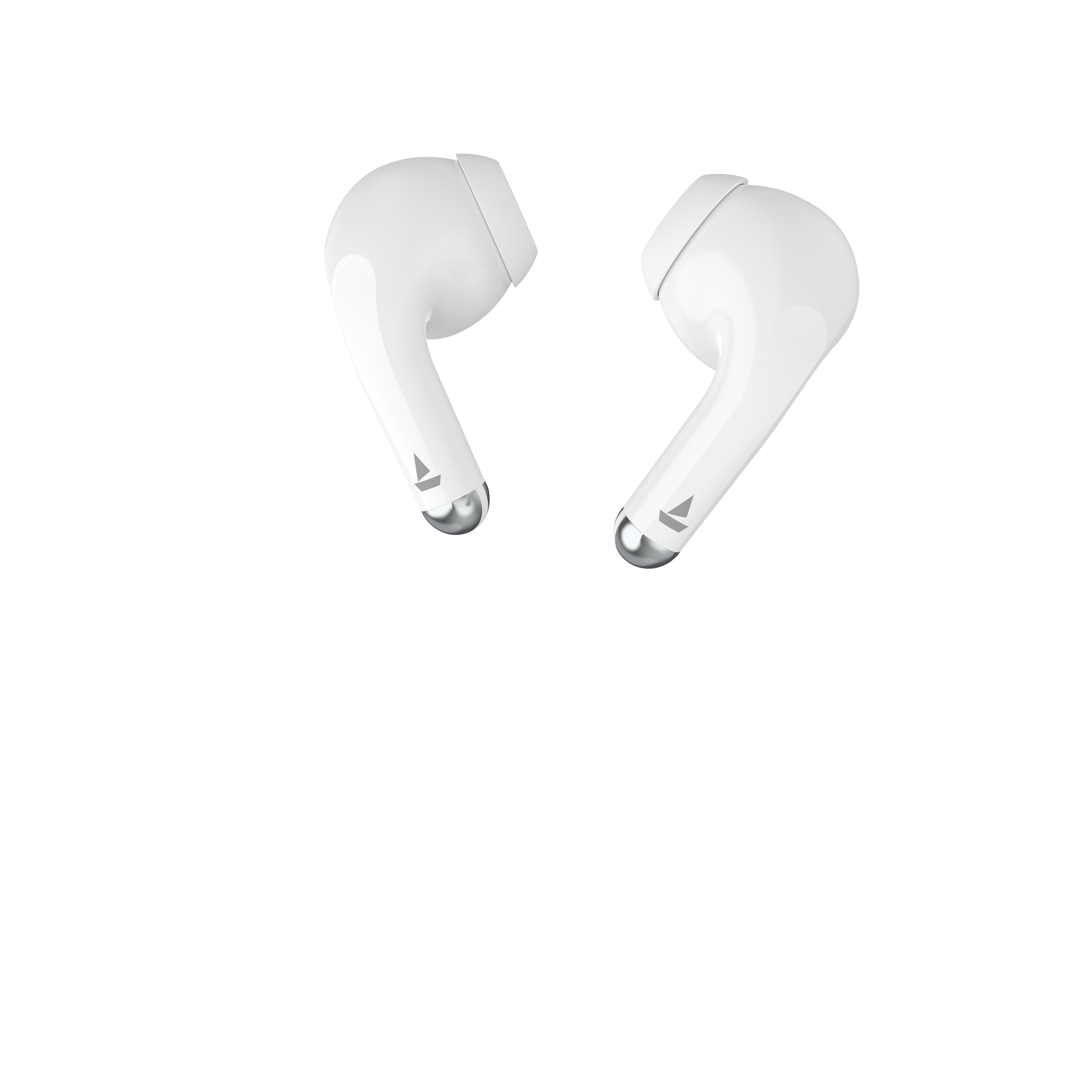
Airdopes Beat
Airdopes Beat delivers an immersive audio experience with 13mm drivers and Signature Sound, enhanced by BEAST™ Mode for ultra-low latency gaming. Featuring dual mics with ENx™ Technology and a massive 35-hour playback time, these earbuds ensure crystal-clear calls and uninterrupted entertainment.
Specifications
Type of Product | TWS Earbuds |
Bluetooth Version | V5.4 |
Water Resistance | IPX4 |
Music Playtime | Up to 35 hrs |
Transmission Range | 10 m |
Driver Size | 13 mm*2 |
Frequency | 20 Hz-20 kHz |
Battery Earbuds | 30 mAh*2 |
Battery Charging Case | 300 mAh |
Charging Time | 40 mins (Earbuds); Up to 1.5 hrs (Charging Case) |
Charging Interface | USB Type-C |
Number of Environmental Noise Cancellation (ENx™) Equipped Mics | 2 |
BEAST™ Mode | Yes; 50 ms Low Latency |
User Manual
Airdopes_Beat_SmartGuide.pdf
0.03 MB
Troubleshooting FAQs
General FAQs
POWER ON:
Smart Power On : To automatically switch the earbuds on, simply open the lid of the charging case when earbuds are kept inside.
Manual Power On: To manually switch the earbuds on (Manual Power On), long touch the Capacitive Touch Control (*CTC) for 3 seconds on both right and left earbuds and release. This is indicated with a power on tone prompt.
Power OFF:
Smart Power Off :
After usage, remove both the earbuds from your ears.
Place the earbuds back into the charging case in correct orientation and close the case lid. The earbuds will automatically switch off (and enter charging mode).
Manual Power Off: Long touch the CTC on both earbuds for 5 seconds (one at a time) and release till the power off tone prompt happens, to manually switch off the earbuds.
To perform a reset on your Airdopes:
Note: Before performing reset, clear "Airdopes Beat" from your device's pairing history
Take out the earbuds from the charging case.
Long touch the CTC on both earbuds for 5 seconds to perform reset. This is indicated by the red LED on both earbuds flashing 5 times.
Place the earbuds inside the charging case in the correct orientation. Close the case lid and wait for a few seconds.
Open the charging case and perform a fresh connection. Congratulations! Your Airdopes Beat has been reset.
Single tap the CTC on either earbud to answer an incoming call.
Double tap the CTC on either earbud to end an ongoing call or reject incoming calls.
While playing music, single tap on the left or right earbud CTC to pause or play the track.
While playing music, double tap on the left earbud’s CTC to return to the previous track.
While playing music, double tap on the right earbud’s CTC to skip to the next track
Volume can only be adjusted via phone/media devices.
Please note that both the earbuds can be used in Mono mode. Use either of the two options: Smart Power On or Manual Power On for switching on the desired earbud.
The selected earbud will automatically enter the connection mode indicated by a tone prompt.
Turn on Bluetooth on your phone/media device and search for “Airdopes Beat” to connect.
Switch the earbuds on; both the earbuds automatically enter Connection Mode.
This is indicated with a tone prompt.
Turn on the Bluetooth functionality on your phone/media device and scan.
Search for ‘Airdopes Beat’ and tap on the same for pairing & connecting via Bluetooth.
To switch to Stereo mode from Mono, simply take out the other earbud from the case. It will automatically power on and pair with the previously selected earbud, hence enabling Stereo usage.
You can only skip to the "next track" using the right earbud in Mono/Stereo mode.
You can only switch to the "previous track" using the left earbud in Mono/Stereo mode.
Long touch the left earbud CTC for 3 seconds to activate ‘Google Assistant’ for Android devices and ‘Siri’ for iOS devices.
Earbuds – Low battery in it (<20%): Red LED blinks 3 times every 30 seconds with low battery tone prompt every 5 minutes
Power ON: Blue light flashes for 2 seconds on opening the lid
Power OFF: Red LED flashes for 2 seconds before the earbuds power off
Pairing mode: Alternate red and blue LED flashes on the master earbud; Slave earbud LEDs flashes blue 2 times every 5 seconds
Pairing successfully (1 time indication): Solid blue LED flashes for 3 seconds
If pairing not successful (In pairing mode): The earbuds will flash red light for 2 seconds and auto power off
Connected: Blue LEDs on the left and right earbuds will flash once every 20 seconds ; No LED flash when media is playing
Disconnected: Same as pairing mode
Earbuds Charging: Solid red LED
Fully charged: LED turns off
Playing music: All lights are OFF (But "Connected" status will remain)
Factory Reset: Red LED flashes 5 times on both earbuds after successful factory reset.
Low Battery (<20%): White LED blinks 5 times when case lid is opened
On Charging: White LED flashes slowly
Fully charged (100%): Solid white LED
Our IWP™ technology allows the earbuds to connect to your phone if they have already been paired before instantaneously upon opening the case.
Simply open the case and ensure that the Bluetooth is turned on for your media device, the buds will connect as soon as the case is opened without the need to take them out of the case first!
There is no special process to enable IWP™- simply follow the steps to first pair your Airdopes Beat to your media device. Then upon subsequent usage, the IWP™ tech will be enabled and the earbuds will pair automatically to your previously paired media device if Bluetooth is turned on in your media device.
Yes, Airdopes Beat is integrated with 1 mic per earbud.
Yes, it does.
Airdopes Beat does support 50 ms low latency for entertainment and casual gaming. But if you’re looking for a professional gaming equipment, then Airdopes Beat is not the right product.
No
No
No, the earbuds do not have any integrated volume controls on them. The volume has to be controlled using your connected Bluetooth device.
Ensure that in the Bluetooth settings of your media device, you have enabled syncing of Bluetooth and phone volume levels otherwise you may not be able to fully control the volume of the earbuds as intended.
Yes
No, the voice prompts are integrated inside the earbuds and there is no provision to turn them off or lower their volume.
While your earbuds do have IPX4 water and sweat resistance, it is recommended that they are not submerged inside water directly or used for prolonged periods inside water like for swimming/showers, as it may lead to damage.
