Airdopes 71 Gen 2
Airdopes 71 Gen 2
Updated
15 days ago
, by boAt Knowledge Base
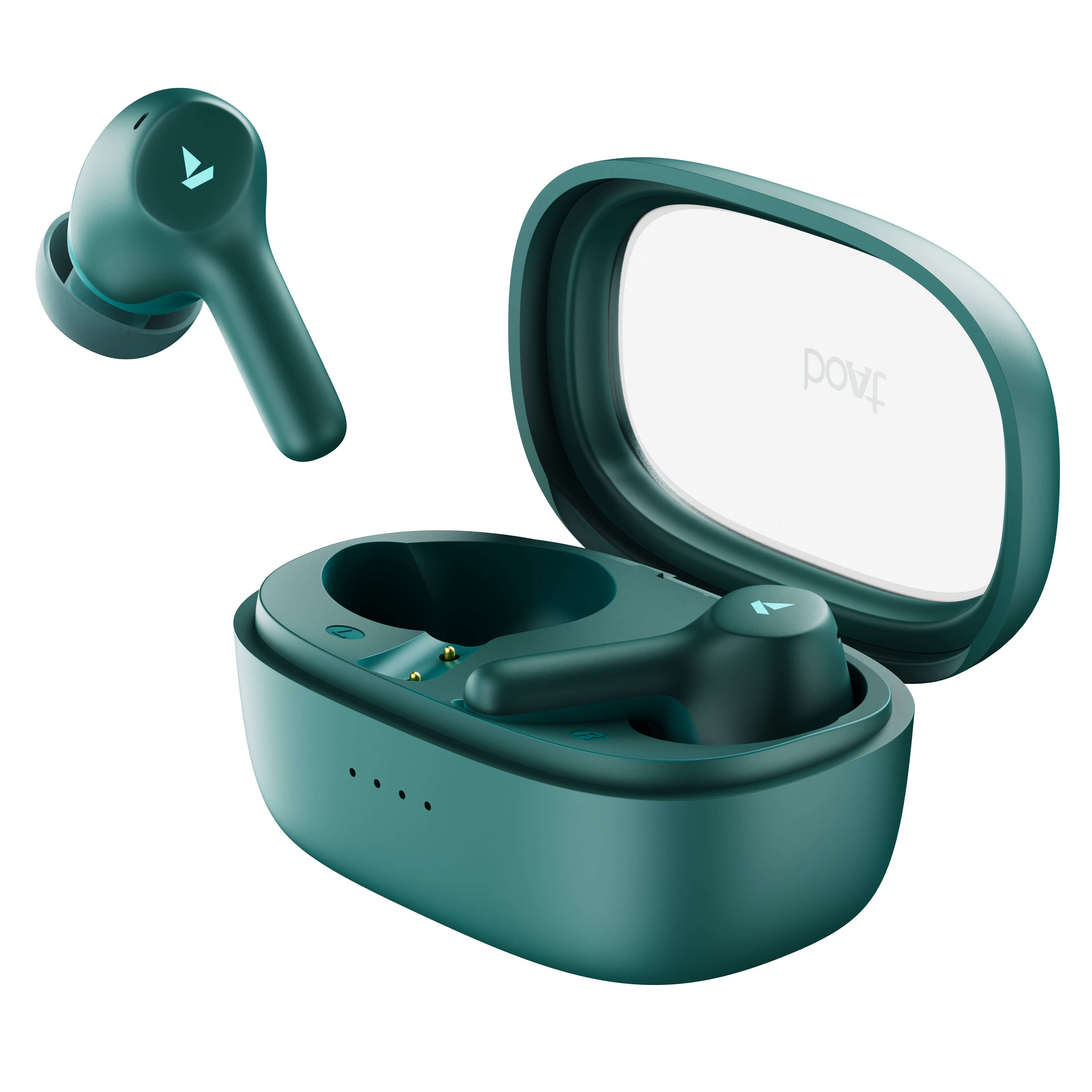
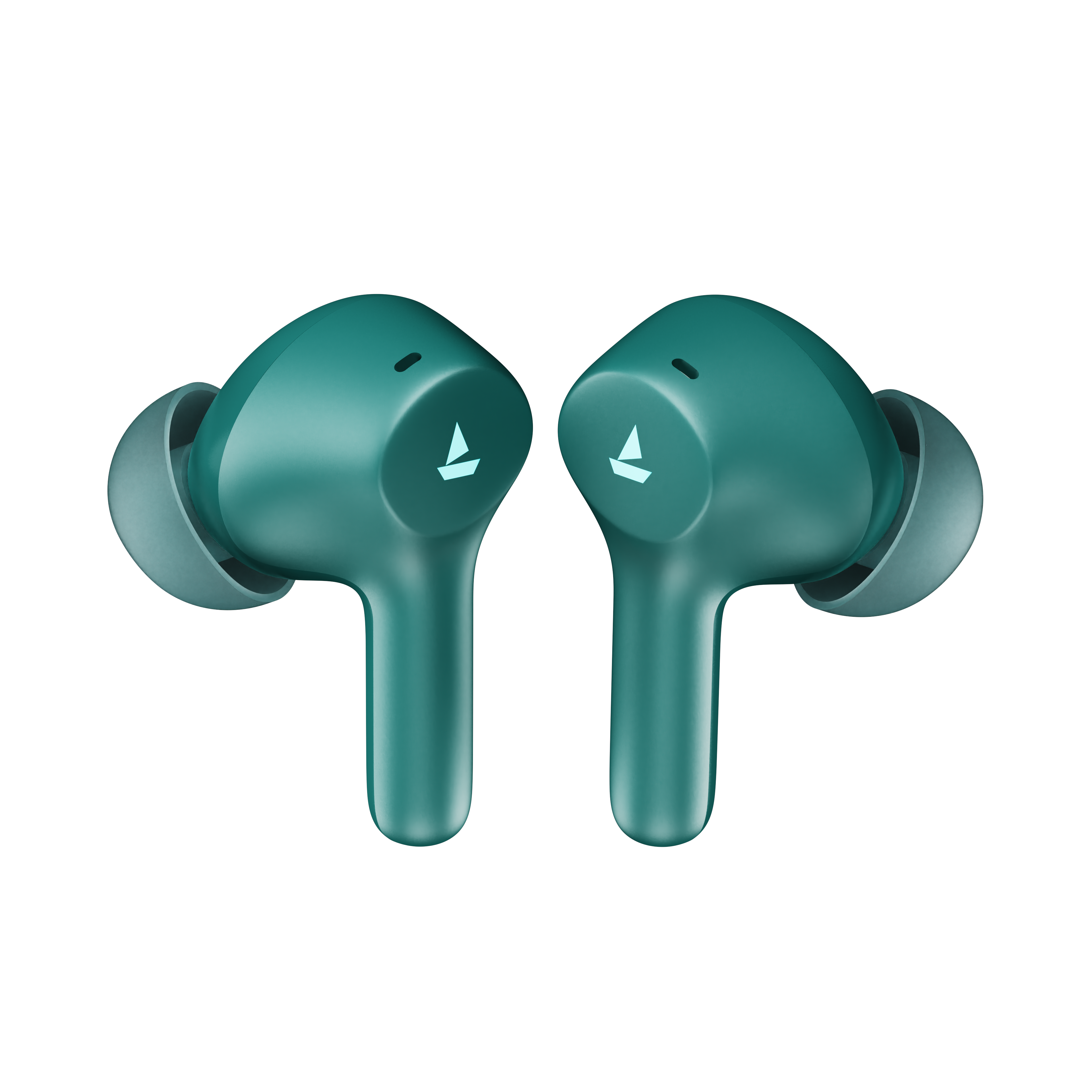
Airdopes 71 Gen 2
Meet the boAt Airdopes 71 Gen 2—crafted to keep your everyday audio experience powerful, seamless, and uninterrupted. With up to 45 hours of playback, Advanced Blueto oth v6.0, ENx™ dual mics, and 45 ms low-latency BEAST™ Mode, it’s built to elevate everything from music and calls to gaming.
Walkthrough Video
Learn how to use the product and troubleshoot yourself
DISCOVER HOW →
Specifications
Type of Product | TWS Earbuds |
Blueto oth Version | V6.0 |
Water Resistance | IPX4 |
Music Playtime | Up to 45 hrs |
Transmission Range | 10 meters |
Driver Size | 10 mm*2 |
Frequency | 20 Hz-20 kHz |
Battery Earbuds | 40 mAh*2 |
Battery Charging Case | 400 mAh |
Charging Time | 30 mins (Earbuds); Up to 90 mins (Charging Case) |
Charging Interface | USB Type-C |
Number of Environmental Noise Cancellation (ENx™) Equipped Mics | 2 (1 on each bud) |
BEAST™ Mode | Yes; 45 ms Low Latency |
User Manual
Airdopes_71_Gen2_SG.pdf
0.52 MB
Troubleshooting FAQs
General FAQs
Smart Power On - To auto matically switch the earbuds on, simply open the lid of the charging case when earbuds are kept inside.
Manual Power On - To manually switch the earbuds on (Manual Power On), long touch the Capacitive to uch Control (*CTC) for 3 seconds on both Right and Left earbuds. This is indicated by alternate blue and red LED flashes on the master earbud.
Smart Power Off - After usage, remove both the earbuds from your ears. Place the earbuds back into the charging case in correct orientation and close the case lid. Red LED flashes for 2 seconds followed by a voice prompt. The earbuds will auto matically switch off (and enter charging mode).
Manual Power Off - Long to uch the CTC on both earbuds for 10 seconds till the earbuds get turned off, to manually switch off the earbuds.
NOTE: Before performing a reset, clear "Airdopes 71 Gen 2" from pairing device histo ry by forgetting the device.
Take out the earbuds from the charging case.
Press the CTC on both earbuds for 5 seconds to reset them. Red LED flashes 5 times on both the earbuds to indicate successful facto ry reset.
Close the lid after placing the earbuds within the case. Re-open it again after 5 seconds.
Take out the earbuds from the charging case and perform a fresh connection.
If the issue does not resolve through reset, then try to manually Power Off and then Power On.
to charge the case, plug one end of the cable into the case and connect the other end to a computer or a wall adapter or a power bank.
to charge the earbuds, put them into the charging case in their correct orientation.
While charging, the white LED on the case remains solid ON.
Once the charging is complete, the charging case auto matically switches off to save power and the LED indicato r turns off.
Single tap the CTC on either earbud to answer an incoming call
Double tap the CTC on either earbud to end an ongoing call or reject incoming calls.
While playing music, single tap on the left or right earbud CTC to pause or play the track.
While playing music, double tap on the left earbud’s CTC to return to the previous track.
While playing music, double tap on the right earbud’s CTC to skip to the next track.
Volume can only be adjusted via phone/media devices.
Please note that both the earbuds can be used in Mono mode. Use either of the two options: Smart Power On or Manual Power On for switching on the desired earbud.
The selected earbud will auto matically enter the connection mode indicated by alternate red and blue LED flashes.
Turn on Blueto oth on your phone/media device and search for “Airdopes 71 Gen 2” to connect.
Switch the earbuds on; both the earbuds auto matically enter into Connection Mode.
Turn on the Blueto oth functionality on your phone/media device and scan.
Search for ‘Airdopes 71 Gen 2’ and tap on the same for pairing & connecting via Blueto oth.
to switch to Stereo mode from Mono, simply take out the other earbud from the case. It will auto matically power on and pair with the previously selected earbud, hence enabling Stereo usage.
You cannot skip tracks or return to the previous tracks in Mono mode.
Long touch the left earbud CTC for 2 seconds to activate ‘Google Assistant’ for Android devices and ‘Siri’ for iOS devices.
Charging Case Status | LED Indication |
On charging | White LED flashes slowly |
Fully charged (100%) | Solid white LED |
Scenario | Charging State |
Earbuds – Low battery in it (<30%) | Red light quickly blinks 3 times when the case lid is opened |
Power ON | Blue light flashes for 1 second on opening the Lid |
Power OFF | Red LED flashes for 1 second when powered off |
Pairing mode | • Alternate blue and red LED flashes on the master earbud. • Slave earbud flashes blue once every 5 seconds |
Pairing successfully (1 time indication) | Solid blue LED for 3 seconds |
If pairing not successful (In pairing mode) | The earbuds will show solid red light once and auto power off after 5 mins |
Connected | • Blue light flashes on and off alternatively for 300ms; so 3 times each minute • No LED flash when media is playing |
Disconnected | Red and blue LEDs blink alternately on both the earbuds |
Earbuds Charging | Solid red LED |
Fully charged | Red LED turns OFF |
Playing music | All lights are OFF (But "Connected" status will remain) |
Facto ry Reset | Red LED on both the earbuds flashes for 5 times after successful facto ry reset |
Our IWP™ technology allows the earbuds to connect to your phone if they have already been paired before instantaneously upon opening the case.
Simply open the case and ensure that the Blueto oth is turned on for your media device, the buds will connect as soon as the case is opened without the need to take them out of the case first!
There is no special process to enable IWP™- simply follow the steps to first pair your Airdopes 71 Gen 2 to your media device. Then upon subsequent usage, the IWP™ tech will be enabled and the earbuds will pair automatically to your previously paired media device if Bluetooth is turned on in your media device.
Yes, Airdopes 71 Gen 2 is integrated with 1 mic per earbud.
Yes, it does.
Airdopes 71 Gen 2 does support 45 ms low latency for entertainment and casual gaming. But if you’re looking for a professional gaming equipment, then Airdopes 71 Gen 2 is not the right product
No, it does not.
No, it does not.
No, the earbuds do not have any integrated volume controls on them. The volume must be controlled using your connected Bluetooth device.
Yes, it supports the voice assistant feature.
No, the voice prompts are integrated inside the earbuds and there is no provision to turn them off or lower their volume.
While your earbuds do have IPX4 water and sweat resistance, it is recommended that they are not submerged inside water directly or used for prolonged periods inside water like for swimming/showers, as it may lead to damage.
