Aavante 2.1 2000
2.1 2000
Updated
13 days ago
, by boAt Knowledge Base
Aavante 2.1 2000
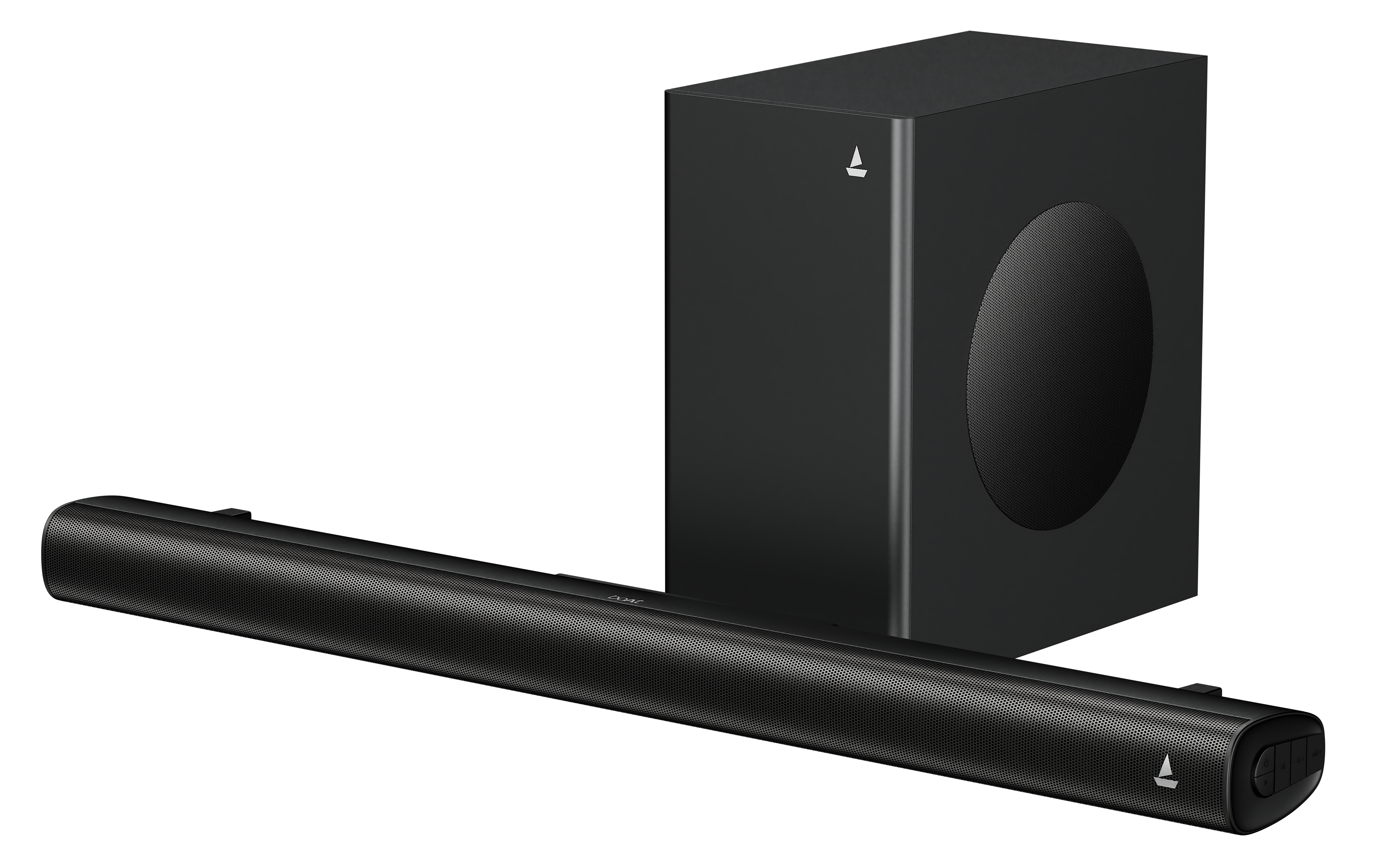
Step into the future of home entertainment with the Aavante 2.1 2000, a soundbar crafted to redefine your audio experience. Delivering a powerful 200W RMS output, it brings cinematic sound right into your living room with thumping bass and crystal-clear highs.
Specifications
Model | boAt Aavante 2.1 2000 |
Compatibility | Bluetooth v5.4, USB, Optical, HDMI(ARC), AUX |
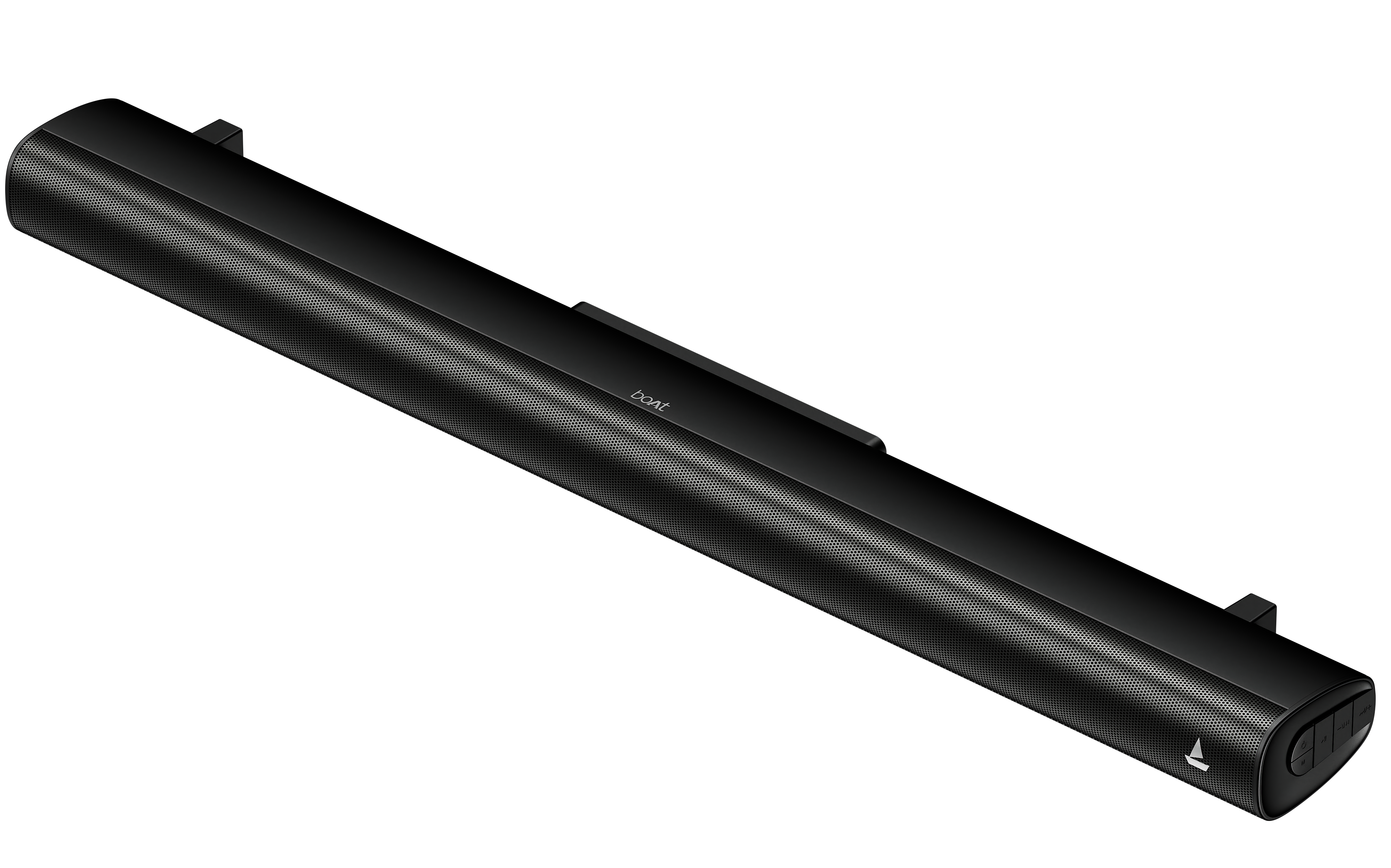
Drivers | 6.5"*1 SW (165mm) + 58mm Soundbar |
Audio Output Power | 200W R.M.S |
BT Transmission Range | Up to 10m |
Bluetooth Version | 5.4 |
Number of Drivers | 2 |
Dimensions | Wired Subwoofer:L350*W190*H308mm Soundbar: L950*D126*H75mm |
Troubleshooting FAQs
General FAQs
Place the soundbar on a table or wall-mount it.
Connect the subwoofer using the subwoofer out port.
Utilize the provided power cable to connect the AC port of the soundbar to a power socket.
Short press the ‘Power’ button on the soundbar control panel or the remote control to switch on the soundbar; the device automatically enters into Bluetooth mode.
Short press the ‘Power’ button again to switch off the device.
Short press the “Mode” button on the soundbar or the “INPUT” button on the remote control to switch it to BT mode. On your phone search for “Aavante 2.1 2000” and connect.
Short press the “Mode” button on the soundbar or the “INPUT” button on the remote control to enter Bluetooth/Optical/HDMI(ARC)/USB/AUX selection mode.


The unit will automatically turn to standby mode when no audio input is received for 30 minutes. The soundbar will wake up from Standby mode when any button is pressed, or source input is received.
If the TV or the external unit is disconnected, switch off the soundbar.
To switch the unit off completely, remove the mains plug from the mains socket.
Please turn the unit off completely to save energy when not in use.
Turn on the soundbar. Short press the M button on the soundbar or the INPUT button on the remote to select Bluetooth mode; the device goes into ‘bt’ mode.
On your media device under Bluetooth functionality, search for
“Aavante 2.1 2000” when both the devices are within the Bluetooth transmission range and select the same to establish Bluetooth connectivity. (Press ‘0000’, if asked for a code)
Once connected, the flickering ‘bt’ indicator becomes stable on the LED display.
The soundbar gets reconnected to the last paired device by default within working range whenever the soundbar gets switched on subsequently.
Double press the ‘Play/Pause’ button on the soundbar control panel or short press the ‘Pair’ button on the remote control to disconnect/reconnect it to the current paired device.

Short press the Mode button repeatedly on the soundbar or press the INPUT button on the remote control to switch between BT, optical, HDMI(ARC), USB & AUX modes.
EQ Modes: The soundbar has 4 Equalizer modes - Music, Movie, News & 3D.
Plug in your USB drive into the soundbar’s USB port to automatically switch to USB mode.
Alternatively, short press the “M” button on the soundbar or the INPUT button on the remote repeatedly to switch to USB mode; indicated by “usb” on the LED display.
Short press the “-“ button to decrease volume
Short press the “+” button to increase volume
Utilize the provided 3.5mm cable to connect the soundbar to your media device.
Short press the “M” button on the soundbar or the INPUT button on the remote multiple times to switch to AUX mode; indicated by “AU” on the LED display.
Playback has to be controlled on your connected media device.
Plug in HDMI(ARC) cable into the HDMI(ARC) port on the soundbar and plug in the other side to a TV or other media device with HDMI(ARC) port.
Short press the Mode button on the soundbar or the INPUT button on the remote repeatedly to switch to HDMI(ARC) mode; indicating HDMI(ARC) mode.
Short press the “-“ button to decrease volume.
Short press the “+” button to increase volume.
Utilize an optical cable to connect the soundbar and TV / other media device with the optical port.
Short press the Mode button on the soundbar or the INPUT button on the remote repeatedly to switch to Optical mode.
Short press “-“ to decrease volume.
Short press “+” to increase volume.
--: Standby Mode
BT: Bluetooth Mode
USB: USB Media Mode
AUX: AUX input mode
OPT: OPT Mode
hd : HDMI (ARC) Mode
No, it doesn't have in-built FM
No, it doesn't support Alexa.
The Amazon Firestick will not connect to the soundbar.
The soundbar and the Amazon Firestick will connect separately to the TV.
No, it does not support Dolby Audio technology.
No, it can be use with Sound bars only
No, installation is not provided by the seller.
Yes, it does. Use HDMI (ARC)/ Optical/ AUX.
Yes, it works on other devices with Bluetooth or AUX connectivity.
Yes, it is mountable.
Yes
